Design a pond for your garden and your fish.
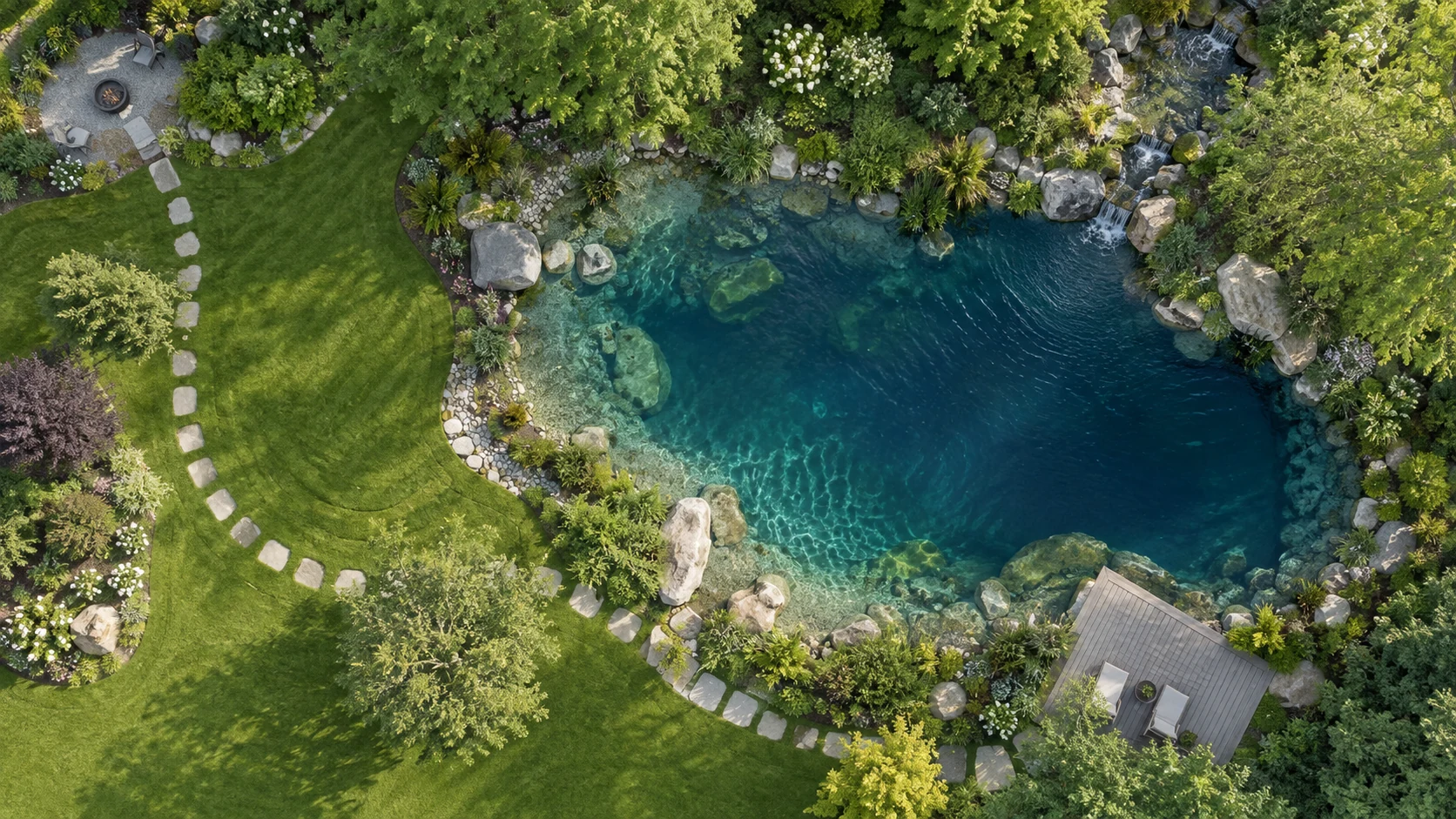
See your pond before you build it.
Begin with your space.
Photograph the garden or sketch the pond on paper. Bring it into PondTools, set a known measurement and draw the outline. Try a circle, a rectangle or a softer curve beside the patio.
Explore the design.
Describe the pond you want and let the AI draw it, or shape it yourself. Imagine then shows it as a photoreal image in your own garden, so you can compare the options.
Look below the waterline.
Add shelves and deeper areas, then open the design in Studio. Walk around the pond in 3D and look at the basin, plants and equipment together.
Buy exactly the right parts.
Buy This Pond lists the parts for your design with an MSRP price on every line. The pump is chosen for the flow the pond needs, the skimmer and BioFalls are matched to that flow and the pond’s gallons, and the liner, underlayment and pipe are sized from its shape.
It adds the six things kits leave out and the boulders and gravel you’ll need, so nothing is missing when you start digging. Save a smaller version of the pond to see how the list changes.
Open Buy This PondCore Components
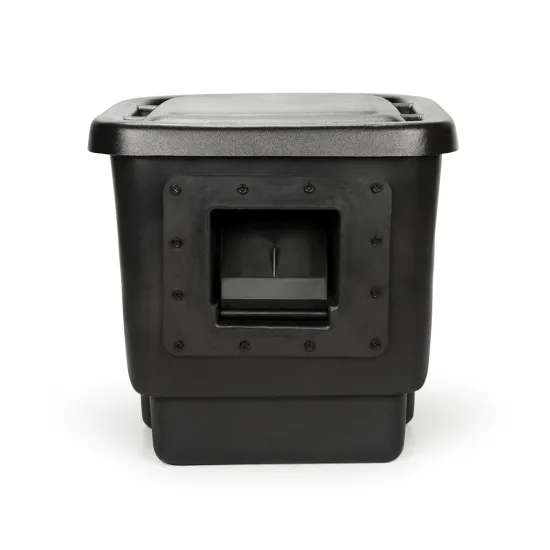 Signature Series 200 Pond SkimmerMechanical filtration and the pump chamber.$479.99
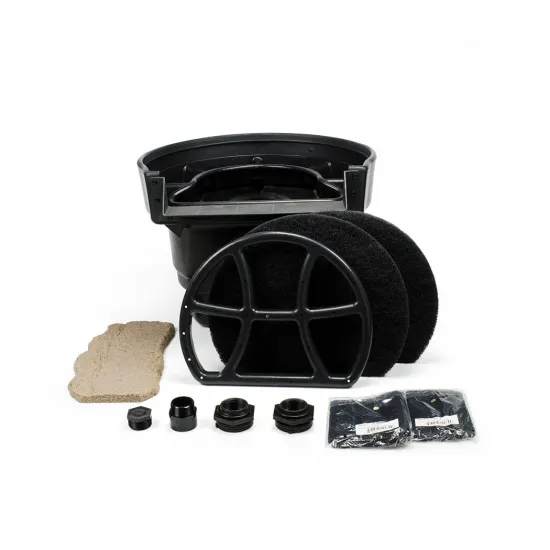 Signature Series 2500 BioFalls® FilterBiological filtration and the waterfall head.$859.99
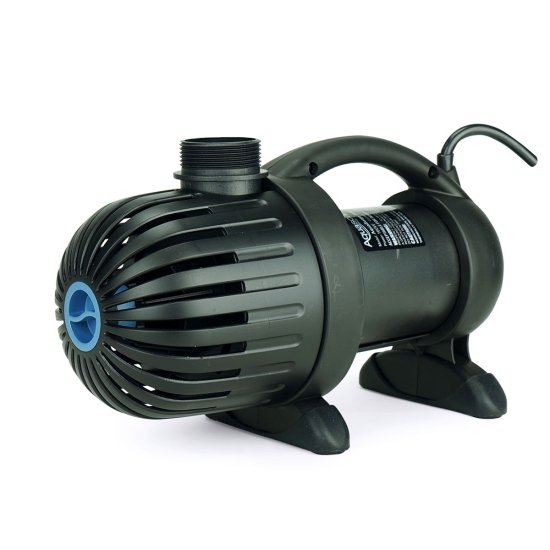 AquaSurge® 3000 Pond PumpDelivers 2,353 GPH at 10.0 ft of head.$519.99
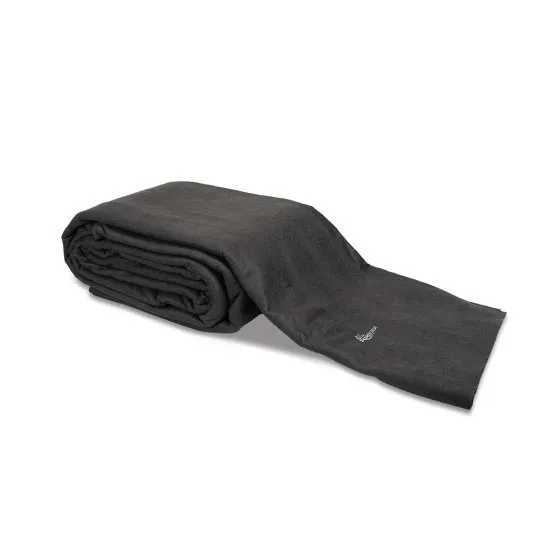 Heavy-Duty Pond Underlayment8′ × 10′ precut, 7 pieces overlapped at $49.60 each.$347.20
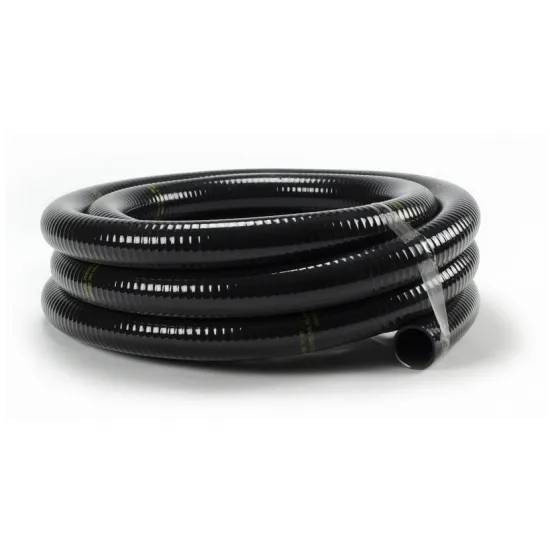 Flexible PVC Pipe1 1/2″ × 25′ for 20 ft of run.$94.99
- 45 mil EPDM pond liner, cut from a rollAbout 21 by 25 ft in one piece, larger than the biggest boxed liner.Priced by the dealer
Six things the kit leaves out
- Foam sealant $21.99
- Dechlorinator $14.99
- Starter bacteria $17.99
- Pond netting $34.99
- Silicone sealant $15.99
- Fill valve $59.99
Make space for fish and planting.
Draw deeper areas for swimming and shelves for planting. Adjust their widths and depths, then check the space in the basin and how much water it holds.
Check fish numbers against the pond’s surface area and volume with the stocking calculator. Plan the pump and circulation, leave room for the equipment, and arrange rocks and plants around the edge.
For a starting point, open the golden-ratio koi pond in Projects: 1,000 US gallons, a 10-inch-wide shelf 8 inches deep and a 36-inch-deep floor. Change the proportions or the depth and the measurements update.
Try the 1,000-gallon koi pond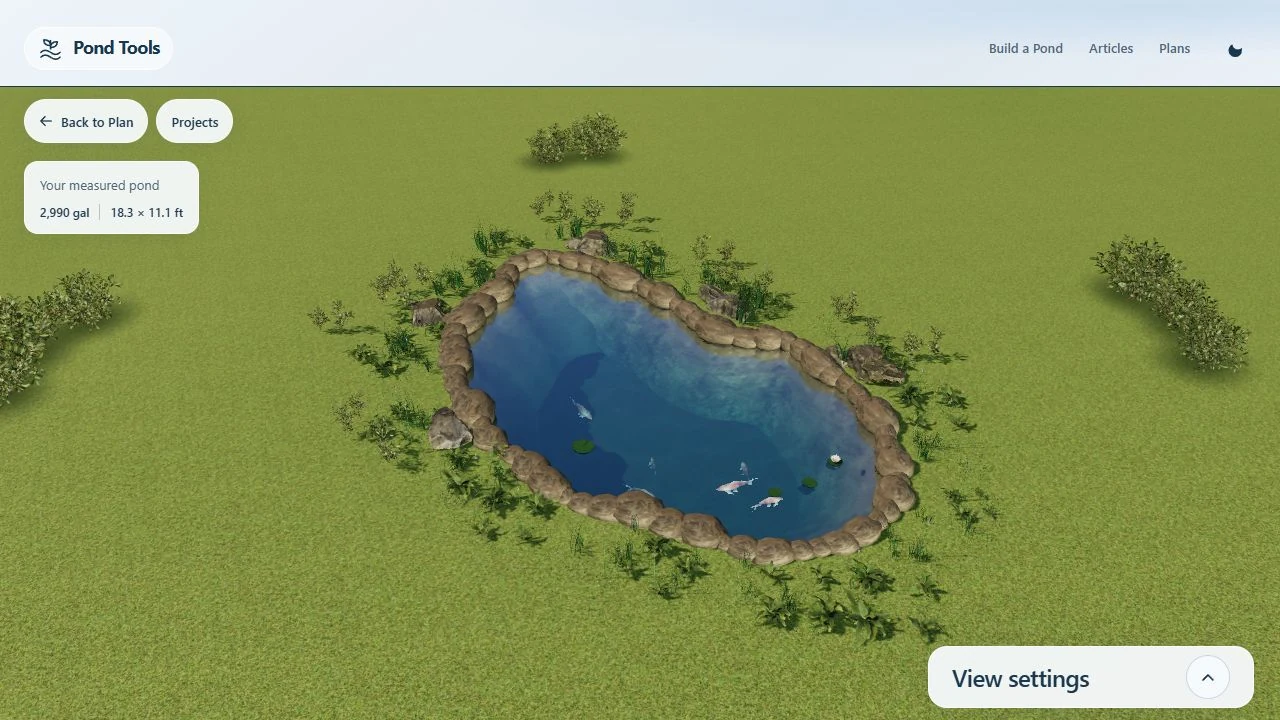
Know the volume. Work out the dose.
PondTools calculates the water volume from your outline, shelves and depths, and every care calculator starts from it.
The salt calculator works out how much to add to reach a target concentration, the water-change calculator how much to replace to bring a reading down, and the stocking calculator how many fish the pond can hold now and once they are grown.
Save the pond after you change its size or depth, and the calculators pick up the new volume.
Calculate a salt amountUsing your measured volume: 1,717 gal
- Pond volume (US gallons)
- 1717
- Current salt level (ppt)
- 0
- Target salt level (ppt)
- 1.0 ppt
About 0.4 × 40 lb bag, raising 1,717 gal from 0 to 1 ppt.
Using your measured volume: 1,717 gal
- Current reading
- 40
- Target reading
- 30
- Replacement water reading
- 0
About 429 gal out of 1,717 gal, changed at once, to take 40 to 30.
Using your measured pond: 101.4 sq ft, 1,717 gal
- Comet or shubunkin
- 5 fish
- Length now (in)
- 4
- Adult length (in)
- 14
They use 23% of it now, and stay within both the area and volume limits once grown.
Tools for your pond.
Planning your pond
Can I plan a pond without a drawing?
Yes. Start with a circle, a rectangle or a freehand outline in the editor, open a starter design in Projects, or photograph your garden and draw the pond over the photo. You can also describe it and let the AI draw it.
How do I change the shelves and depth?
Add depth contours inside the waterline and set their depths. Move the points to change a shelf’s width or the basin’s shape, then look at the result in Studio and check the new volume.
How does my pond reach the care calculators?
Save the pond after setting its scale and depths. The salt and water-change calculators read the saved volume, and you can check it before entering the rest.